
1. Why CSV Concatenation Matters in Warehousing
When building or updating master data for a WMS or ERP, information often arrives in multiple separate CSV files.
Each file may contain different product lists, supplier lists, customer references, or location definitions.
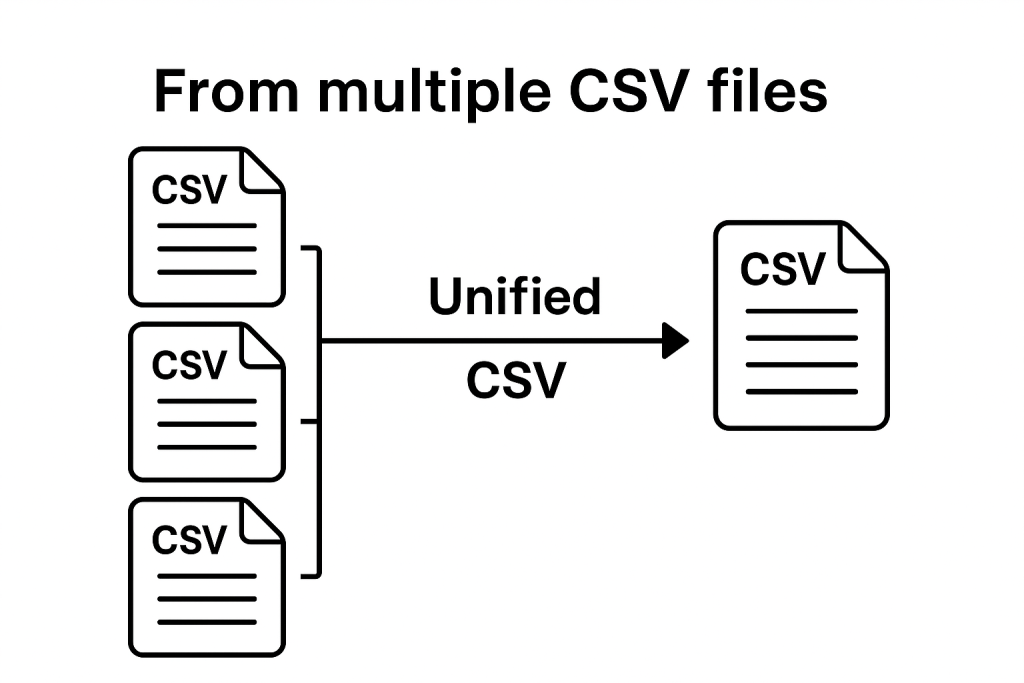
Before importing this data into the system, all files must be merged into one clean, unified structure.
For small and medium warehouses, this can be a challenge — especially when files come from different departments
or suppliers and do not follow the same formatting rules. A simple and reliable tool for concatenating CSV files saves time,
reduces errors, and prepares the data for accurate imports.
2. When You Need to Concatenate CSV Files
- when suppliers send multiple product lists in separate files
- when cleaning and restructuring master data
- when merging exports from ERP, Excel, or Google Sheets
- when preparing the product master before WMS implementation
- when updating location master or reference lists
- when receiving phased inventory data during stock counts
Warehouse teams often ask whether CSV files must have the same structure before being concatenated.
Answer: Yes — column headers must match, otherwise data will misalign.
3. How the Web-App Works (Simple Workflow)
- Upload two or more CSV files
- The tool checks column consistency
- All rows are merged into a single dataset
- The result can be downloaded as a clean CSV file
This process ensures that all master data arrives in a standardized format, ready for system import.
4. Recommended Best Practices
- keep column names identical in all files
- use comma (,) as standard separator for English-language systems
- avoid hidden characters or merged cells before exporting
- verify that no mandatory fields are missing
- check for duplicates after concatenation
Following these rules ensures a smooth import into WMS or ERP systems.
5. FAQ
Does the order of files matter?
No — files can be uploaded in any order.
Can the tool concatenate more than two files?
Yes — you can upload as many as needed.
Does the tool modify the data?
No — it only merges rows without altering content.
6. Recommended web-app links
- Master Data for Warehouse
- Product Registration Application
- Assign Products to Storage Locations
- Generate Product Logistics Sheets
Advantages
- No installation, servers, or databases needed.
- 100% offline – your data stays on your device.
- Fast and intuitive interface.
- Works on all operating systems (Windows, Mac, Linux).
- Easily customizable for additional scenarios.
Made with the help of ChatGPT.
It runs entirely in the browser without requiring installation —ideal for quick, local data processing.
Push the button bellow and choose two .csv files with the same format to concatenate them :
See also the video bellow :